1. Describe the task
Define what to try, who it is for and what feedback you need.
Testers report what they notice directly in your app. You get a structured report with context to review and act on.
Customers can create a project account. If you need participants, we check your needs and availability before making a commitment.
Use an SDK for reports inside your app, or a task link for feedback on an idea or website.
Flutter, Expo and Web; Swift on request
Voice, text and attachments
Tasks and reports in one place
Follow up through CLI and MCP
Know people who want to try your app or idea? Give them a clear task and an easy way to respond. The tools are useful before you have a large tester community.
Define what to try, who it is for and what feedback you need.
Use voice or text inside the app, or a task link for a feedback assignment. Accepted applicants receive their link by email.
Review reports, act on them with your team or AI tools, then ask for a retest.
Describe your audience, devices and timing. We check whether suitable people can be recruited. We cannot currently promise immediate availability, a fixed recruitment time or a guaranteed number of testers.
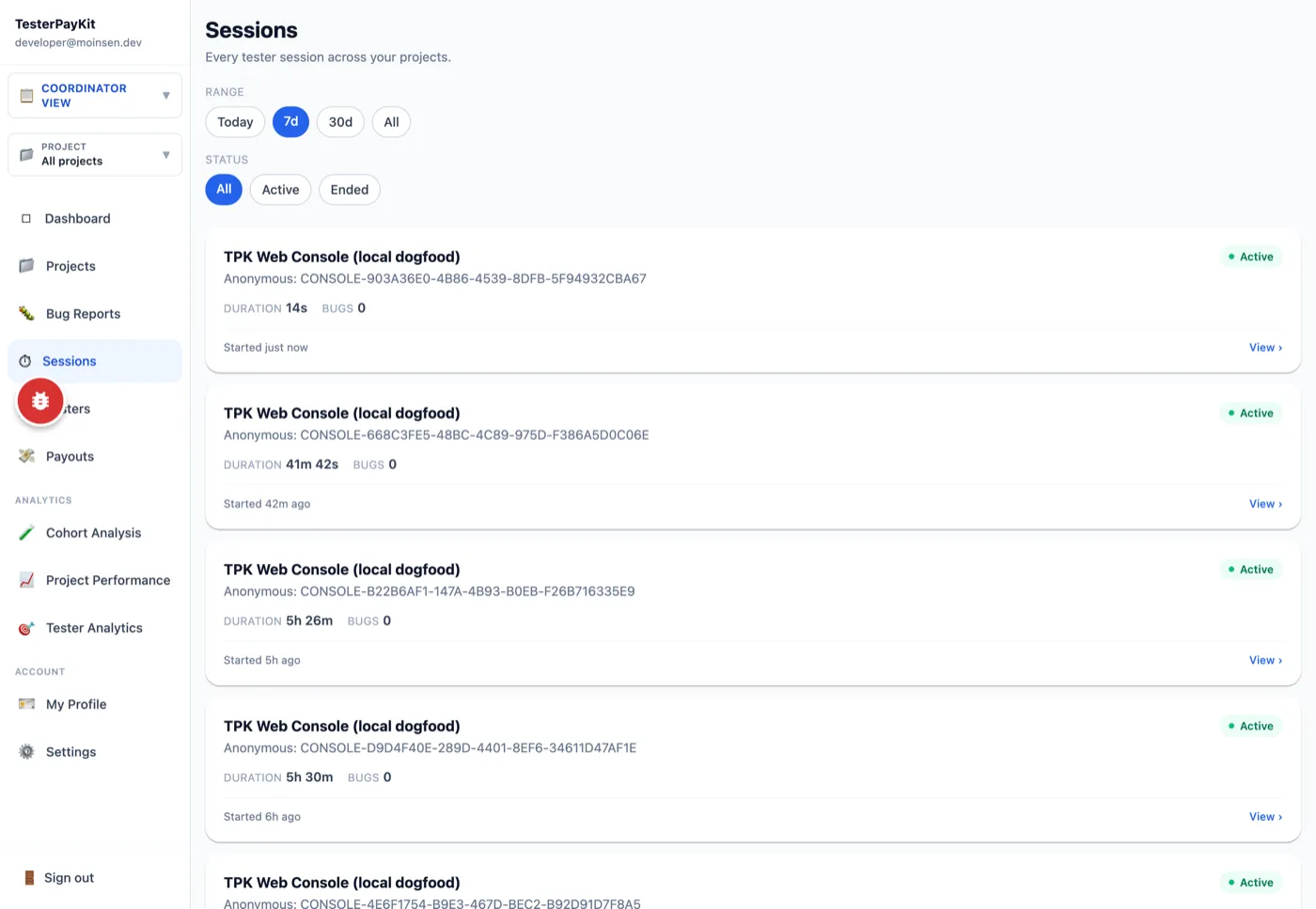
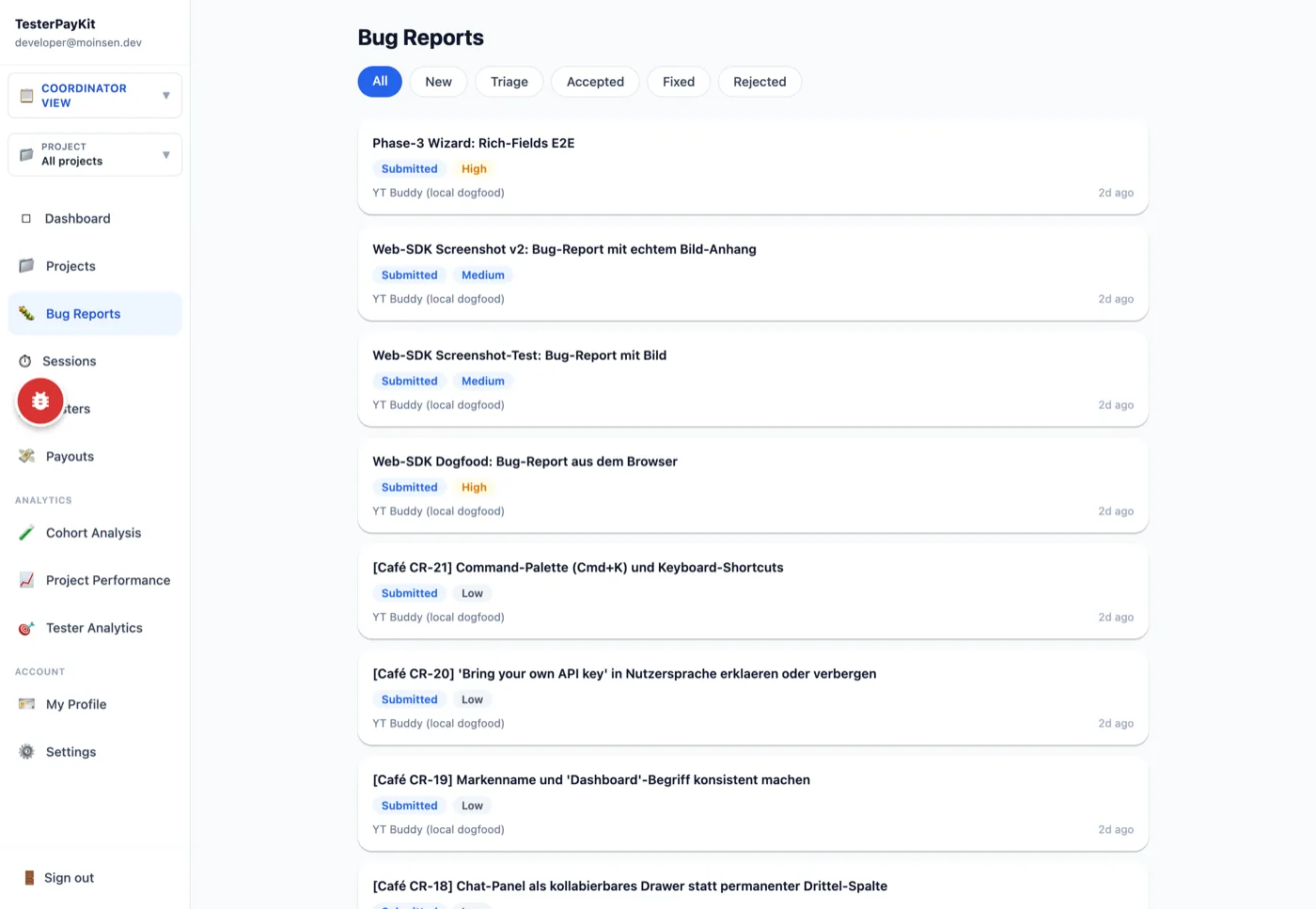
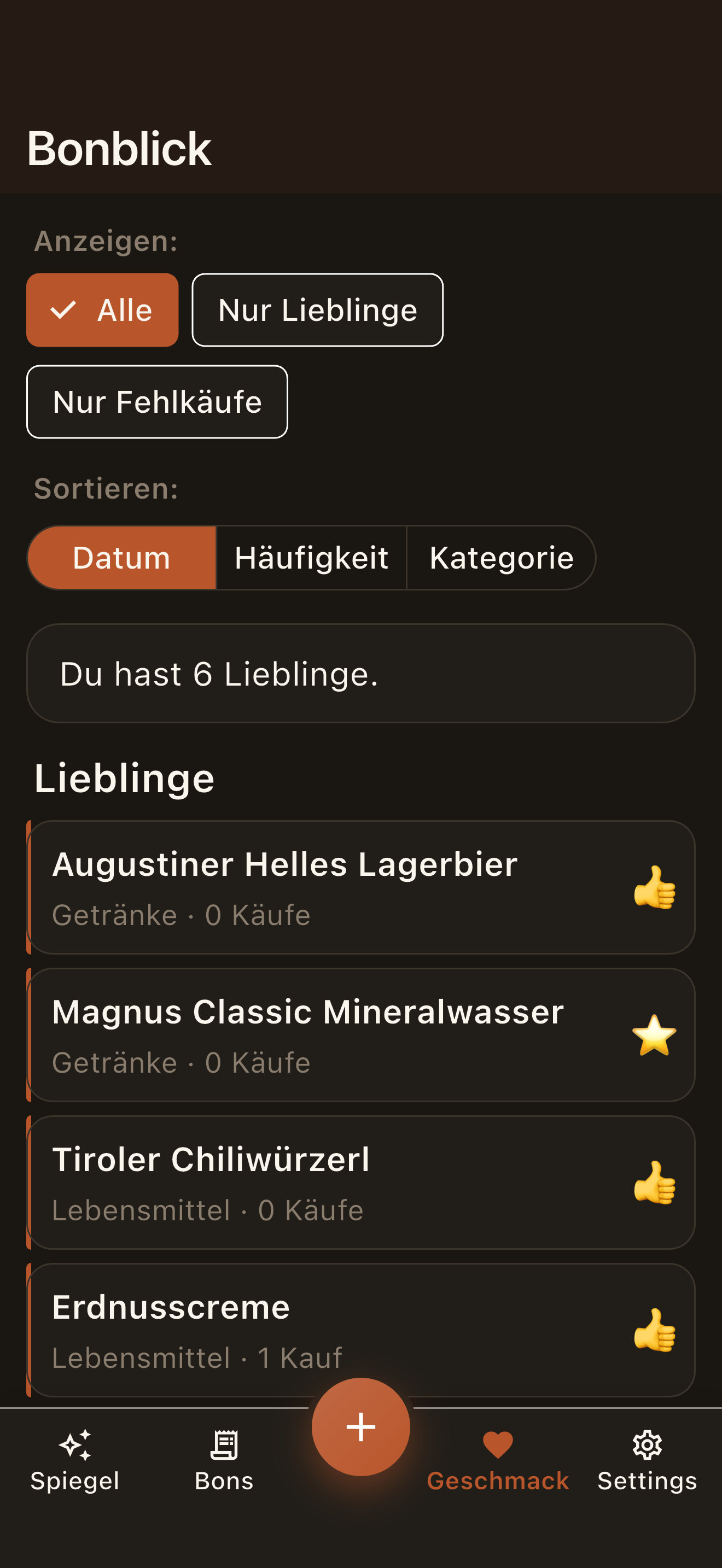
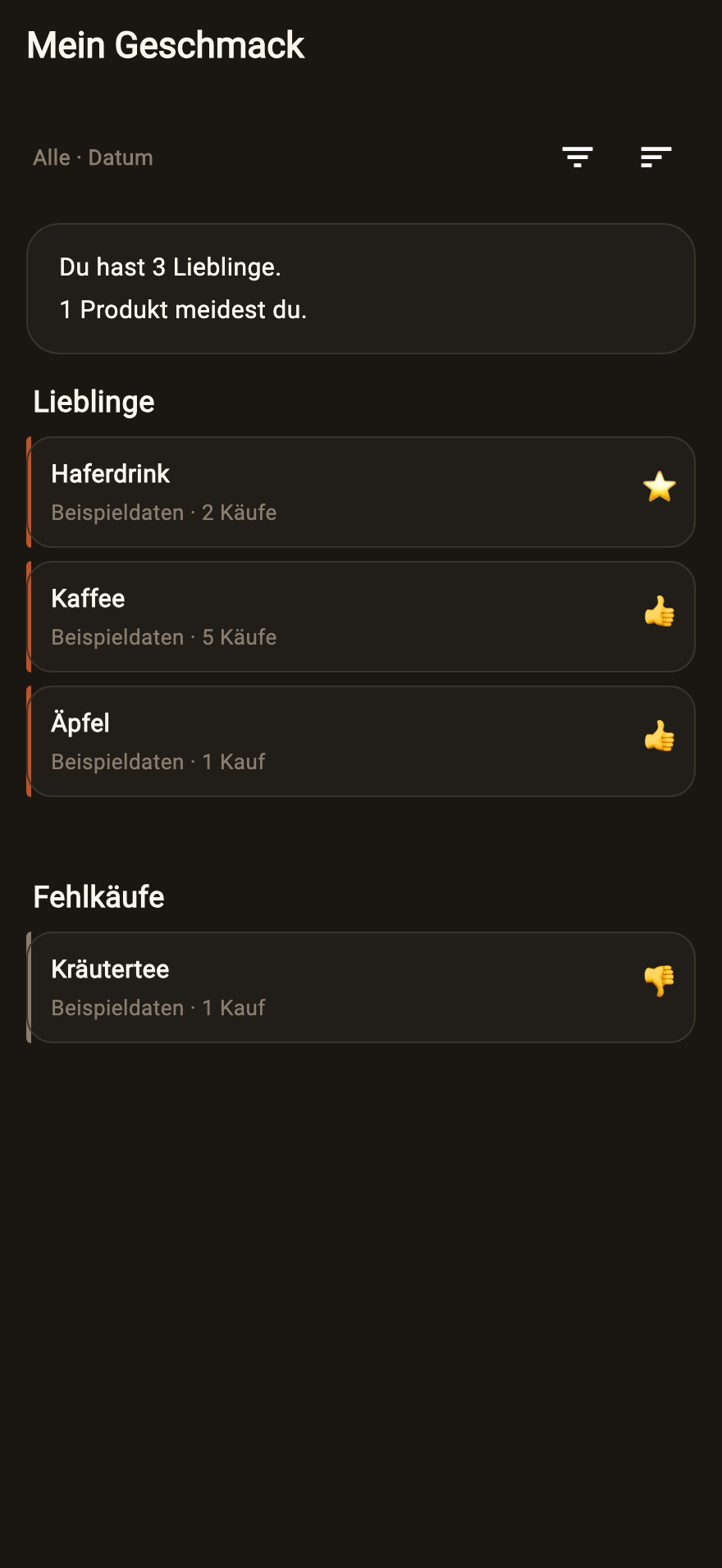
Screenshots from our own local instance, as of June 2026.
FOR YOUR APPS
Collect interest for each app in one place and choose who receives an invitation.
Share your app’s signup page. People confirm their email and remain on this product’s waitlist only.
Manage multiple apps and organise confirmed people into groups such as team, alpha or beta.
Select people and invite them personally to your connected private TestFlight group. You can also invite manually or by link.
A TesterPayKit test group organises your waitlist. Apple access and TestFlight groups are connected separately. A shared link can be forwarded.
Manage waitlists →From the first observation to a retest: clear context and a shared view of what needs attention.
Invite your team, friends or community. Keep tasks, applications and participant selection together in your project.
The SDKs let testers report observations on their own devices. Device and session context help you understand each report.
Describe a bug, idea or change by voice. AI prepares a draft for the tester to review before submitting.
Screenshots, recordings and notes can support a report. Data collection depends on the SDK and project settings.
Turn a finding into a concrete task. Track what changed and whether a retest confirms the fix.
Voluntary feedback rounds can run at €0. The pricing page explains the model and current status of paid orders.
Structured reports combine descriptions, reproduction steps and available device data. CLI and MCP bring them into your development workflow.
We build our own apps and use TesterPayKit ourselves: to report bugs and ideas easily, keep context available while working on them and retest changes. That is where these tools started.
Behind TesterPayKit is Ulrich Diedrichsen, founder of the moinsen studio in Hamburg. Access requests land with him directly: business@moinsen.dev
Using it ourselves shows us where reporting and follow-up still take unnecessary effort.
Participants know what to test and whether the round is voluntary. Paid orders will be offered after live payments are ready.
Tools, participant availability and paid recruitment have different requirements. We explain them before a round starts.
TesterPayKit connects what a tester reports with the work that follows. Start with participants you already know.
Create a project →Tell us your audience, devices, language and timing. We check whether suitable people can be recruited. We do not currently promise an immediately available tester pool, fixed recruitment times or a guaranteed participant count.
Discuss tester recruitment →Use your own volunteers for a free feedback assignment.
The planned model uses a fixed reward per accepted result plus a 25% service surcharge. Testers receive their full agreed reward.
Payments are being tested in a test environment. An enquiry is not a booking or a commitment to provide testers.
Pick your role. One thought per step — and at the end you decide whether you join.
Step 1 · Your task
You build the app. Make it easy for your participants to show where they get stuck or what idea they have.
Step 2 · The tools
Voice, text and attachments become reports associated with your project. Available context helps you understand the observation.
Begin with people you know or your community. Give them a manageable task and select suitable applicants.
Step 3 · Availability
Tell us your audience, devices, language and timing. We check whether suitable people can be recruited. We do not currently promise an immediately available tester pool, fixed recruitment times or a guaranteed participant count.
Step 4 · Follow-up
Read reports through the console, CLI or MCP, work on the fix and set a focused retest task.
Step 5 · Start
Begin with one volunteer you know. Check availability before relying on additional participants.
You build the app. Make it easy for your participants to show where they get stuck or what idea they have.
Create a projectStep 1 · Your task
You do not need professional testing experience. A clear observation, honest impression or concrete idea can help.
Step 2 · The tools
Read the goal, scope and terms. Apply only when the task and device requirements fit. An account does not guarantee assignments.
You receive your task link by email. Sign in to reach the assignment. The project team decides whom to accept.
Step 3 · Availability
Choose tester registration on the sign-in page. Open registration currently covers Germany, Austria and Switzerland; confirm your email and, before your first report, your mobile number. After account approval, selection for individual tasks follows separately.
Step 4 · Follow-up
Give feedback in the form or through in-app reporting. Review any AI draft before sending it. Voluntary rounds are unpaid; paid assignments are not available yet.
Step 5 · Start
Give feedback in the form or through in-app reporting. Review any AI draft before sending it. Voluntary rounds are unpaid; paid assignments are not available yet.
You do not need professional testing experience. A clear observation, honest impression or concrete idea can help.
Go to tester registrationStep 1 · Your task
Voluntary test rounds connect your users' experience with concrete work in the repository.
Step 2 · The tools
A clearly scoped workflow makes it easier for contributors to give useful feedback.
Collect bugs, ideas and requested changes with context. The tester reviews their report before submitting.
Step 3 · Availability
Tell us your audience, devices, language and timing. We check whether suitable people can be recruited. We do not currently promise an immediately available tester pool, fixed recruitment times or a guaranteed participant count.
Step 4 · Follow-up
A €0 round is unpaid. A public repository does not automatically provide participants; begin with your own contributors.
Step 5 · Start
Begin with one volunteer you know. Check availability before relying on additional participants.
Voluntary test rounds connect your users' experience with concrete work in the repository.
Enquire about your OSS projectStep 1 · Your task
Keep test tasks, observations and retests with the project they belong to.
Step 2 · The tools
Bring suitable people from the client team or community into a concrete test round.
Structured reports support handover between client support and development. Attachments and available device data stay with the finding.
Step 3 · Availability
Tell us your audience, devices, language and timing. We check whether suitable people can be recruited. We do not currently promise an immediately available tester pool, fixed recruitment times or a guaranteed participant count.
Step 4 · Follow-up
Describe the expected behaviour and document the retest. We discuss additional testers and availability separately.
Step 5 · Start
Begin with one volunteer you know. Check availability before relying on additional participants.
Keep test tasks, observations and retests with the project they belong to.
Create a projectStep 1 · Your task
A clear assignment and shared project view help your team turn test feedback into follow-up work.
Step 2 · The tools
Project roles control access and editing. Participant selection and result acceptance stay with the responsible people.
Task link, sign-in, selection and feedback submission are connected. Your own participants can use the same workflow.
Step 3 · Availability
Tell us your audience, devices, language and timing. We check whether suitable people can be recruited. We do not currently promise an immediately available tester pool, fixed recruitment times or a guaranteed participant count.
Step 4 · Follow-up
The planned model uses a fixed reward per accepted result with a separate service surcharge. Live payments are not available yet. Per-minute customer billing is not currently offered.
Step 5 · Start
Begin with one volunteer you know. Check availability before relying on additional participants.
A clear assignment and shared project view help your team turn test feedback into follow-up work.
Create a projectStart with a clear task and your own participants. If you need suitable people, contact us about recruitment.
Tools in beta · Registration and participant selection are separate steps.